Documentation article
FlowPress Overview
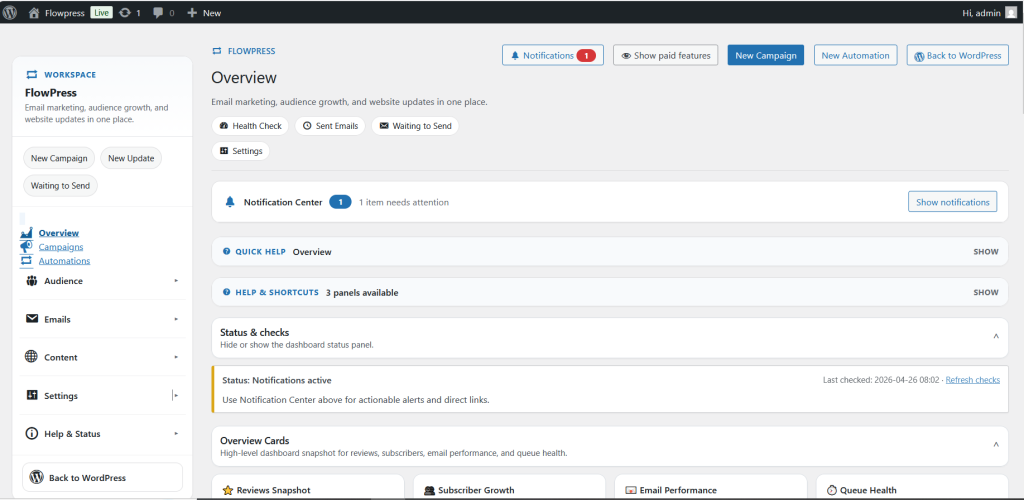
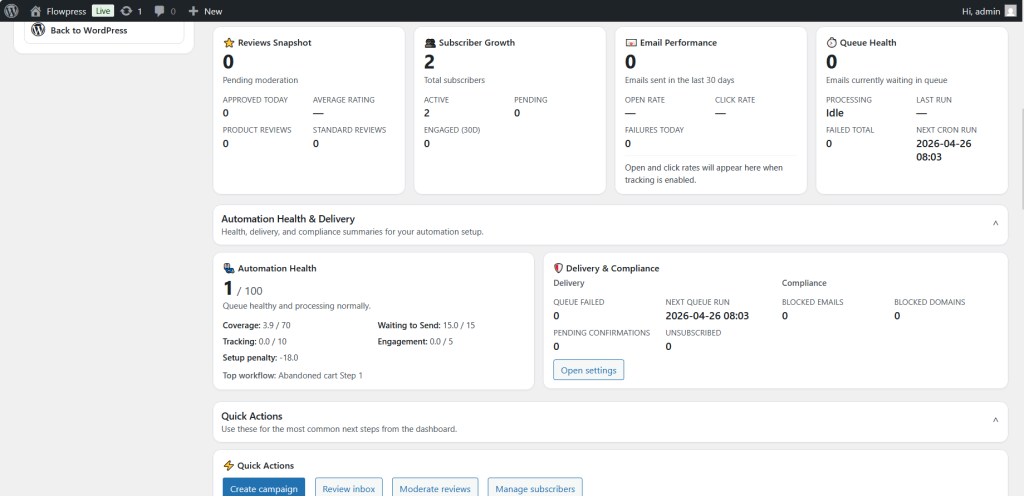
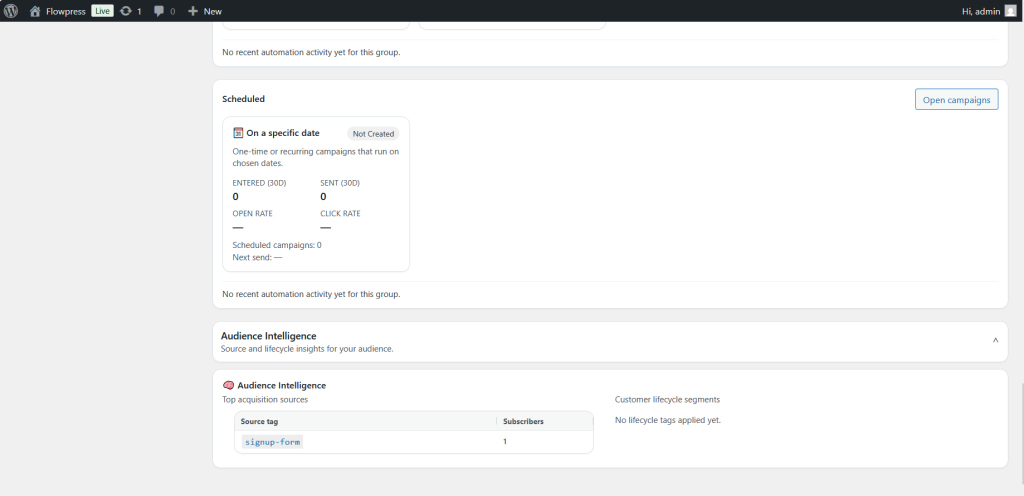
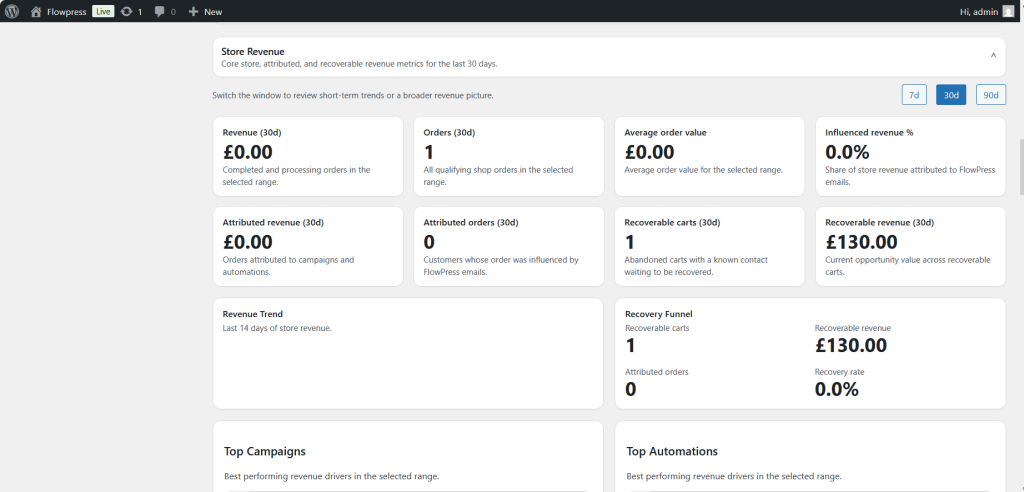
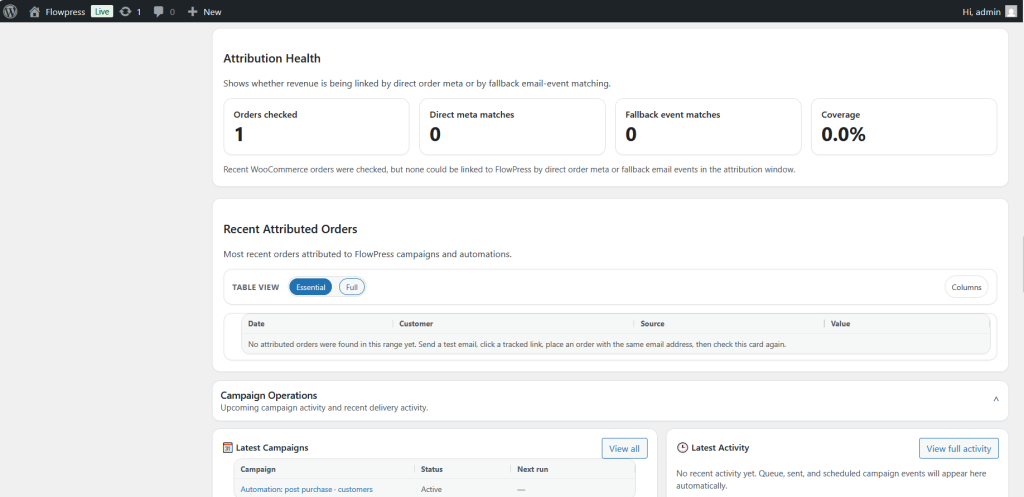
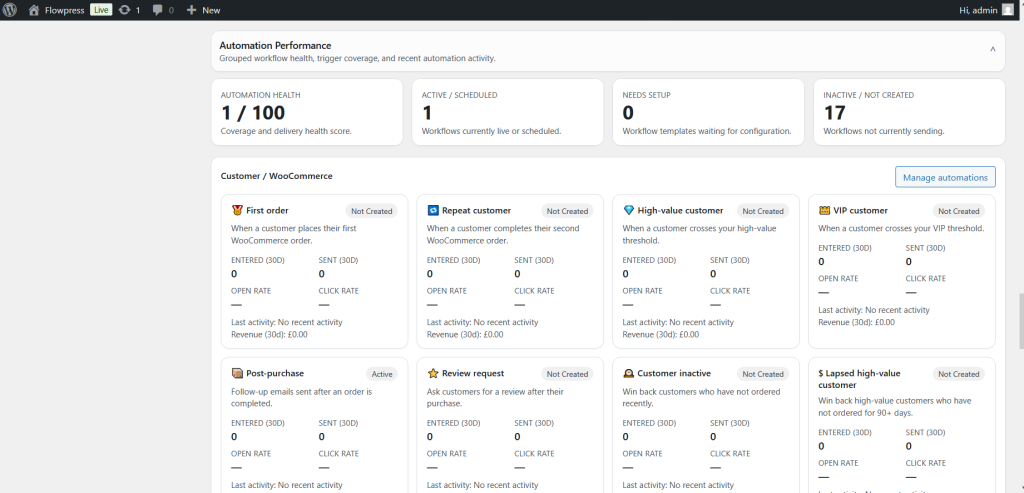
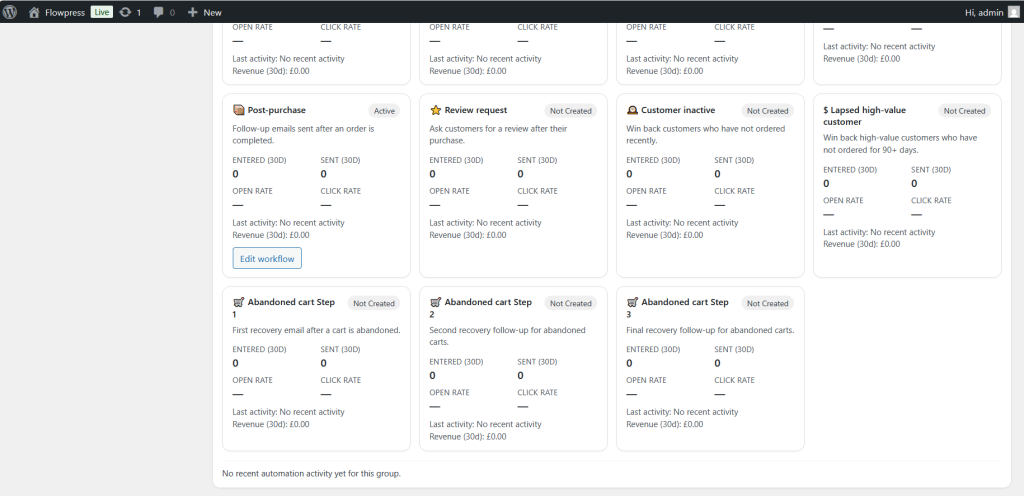
The FlowPress overview gives a quick view of the main plugin areas and the current status of your marketing setup.
What this is for
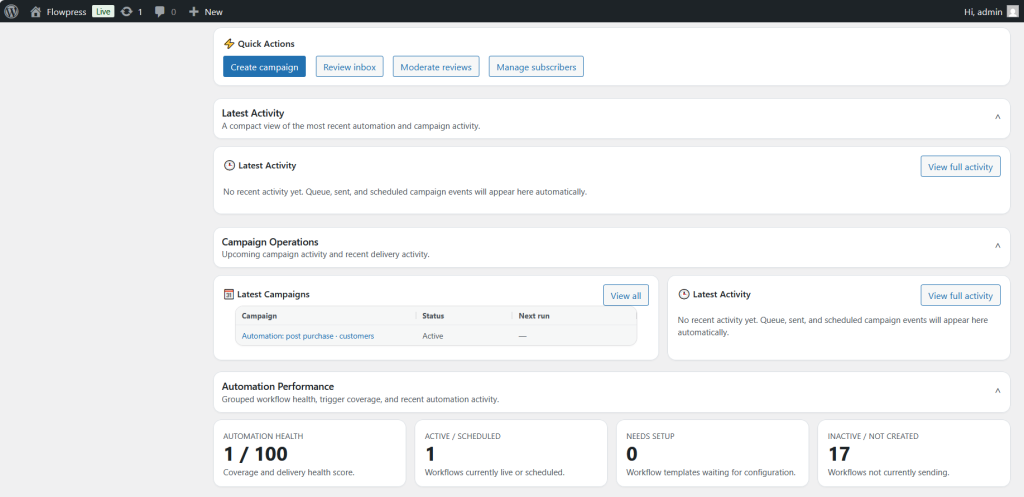
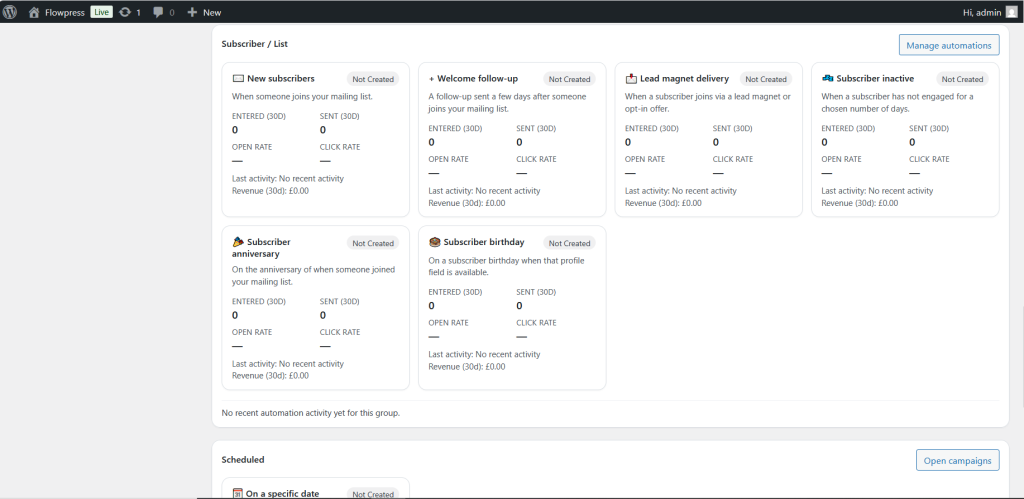
Use the overview to check recent activity, confirm that core features are available, and navigate into campaigns, automations, subscribers, forms, templates and settings.
How to use it
- Go to the FlowPress menu in WordPress admin.
- Review the status cards and recent activity areas.
- Use the overview links to open the relevant feature area.
- Check for warnings or setup messages before sending campaigns.
- Return to the overview after making changes to confirm the account is ready.
Useful tips
- The overview is the best starting point when diagnosing a setup issue.
- Use the overview after installing updates to confirm everything is still configured correctly.
Screenshots
Notes
- Your dashboard may show different numbers depending on subscribers, campaigns, forms and WooCommerce product data.