Documentation article
Campaigns Overview
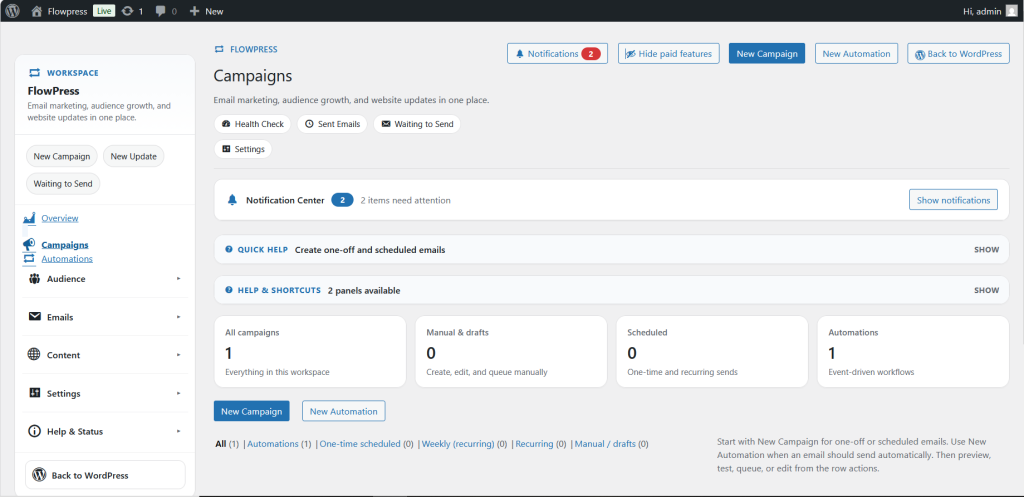
The Campaigns area is where you create, review and manage product email campaigns.
What this is for
Use Campaigns for one-off product emails, announcements and promotions that need to be written, tested and then sent or scheduled.
How to use it
- Open FlowPress and select Campaigns.
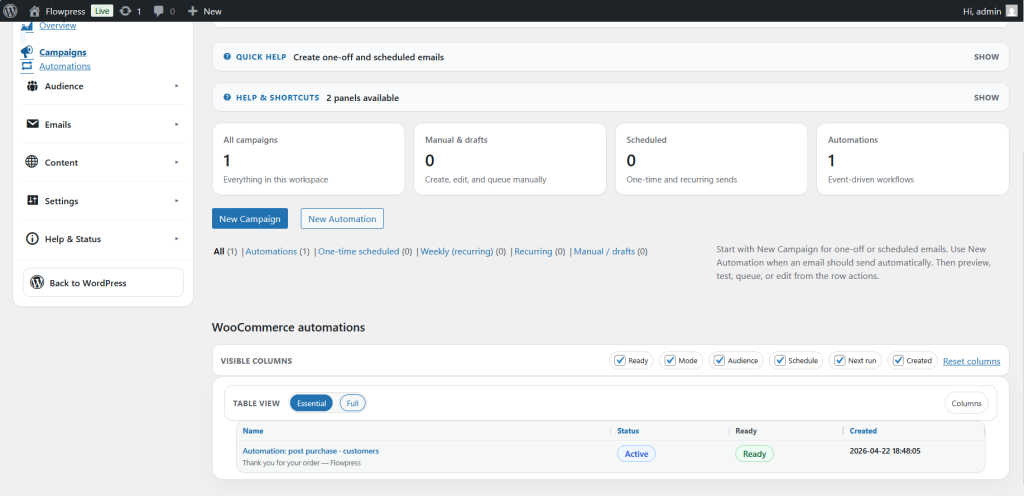
- Review the campaign list and status information.
- Use the New Campaign action when you are ready to build a campaign.
- Open an existing campaign to edit its content, products or publishing options.
- Check the campaign status before sending or scheduling.
Useful tips
- Keep campaign names clear so they are easy to recognise later.
- Use draft status while the campaign is still being reviewed.
- Send a test email before publishing.
Screenshots
Notes
- Campaigns are best for planned emails. Use Automations for messages that should run by themselves.