Documentation article
Campaign Content, Products and Testing
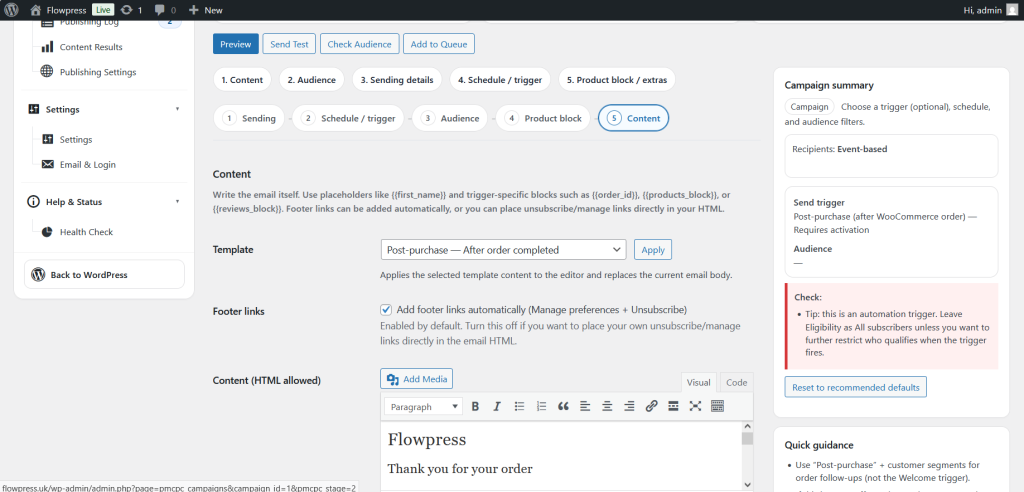
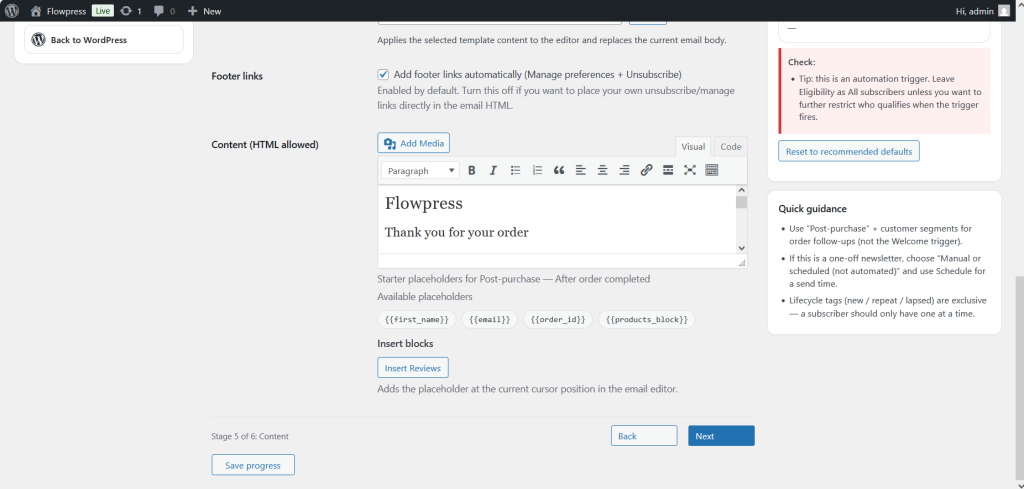
Use the content, product and testing sections to make sure each campaign is complete before it reaches subscribers.
What this is for
These settings control what the email says, which products are shown, and how the campaign can be checked before sending.
How to use it
- Review the campaign content from top to bottom.
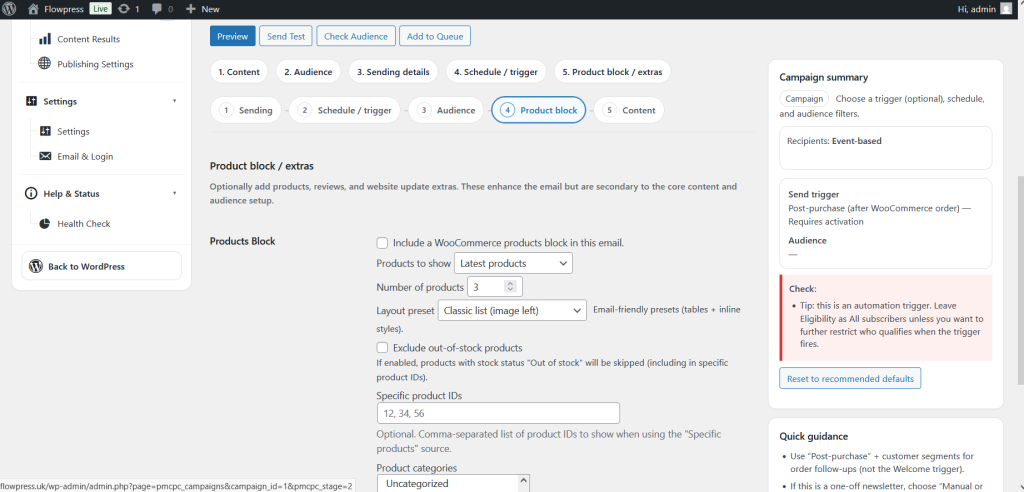
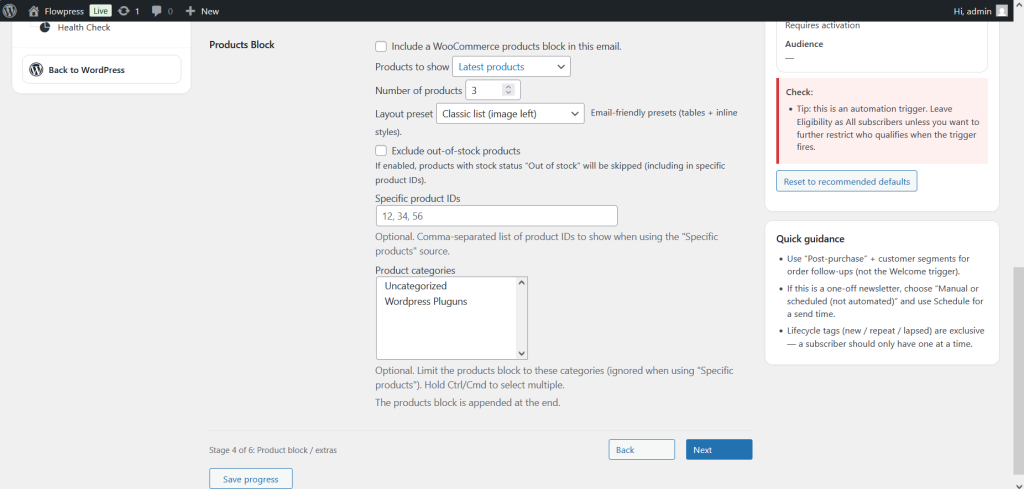
- Confirm the selected products, images, prices and links are correct.
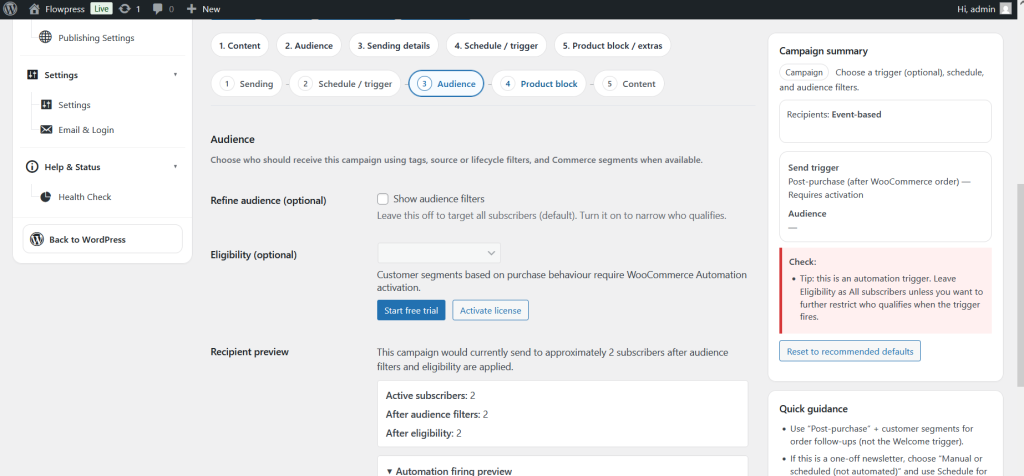
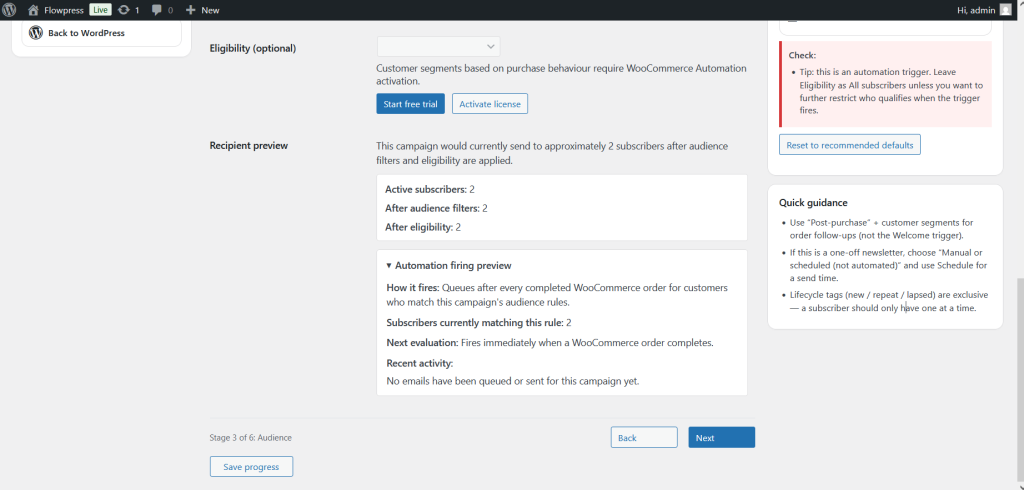
- Check the recipient or segment selection.
- Send a test email to a real inbox.
- Open the test email on desktop and mobile before approving the campaign.
- Make any corrections in the editor, then test again if required.
Useful tips
- Testing is especially important when campaigns include product images or multiple calls to action.
- Check that every product link opens the expected WooCommerce product page.
- Avoid sending while products are out of stock, hidden, or missing images.
Screenshots
Notes
- A campaign should only be published after the final test email has been reviewed.