Documentation article
Subscriber Inbox
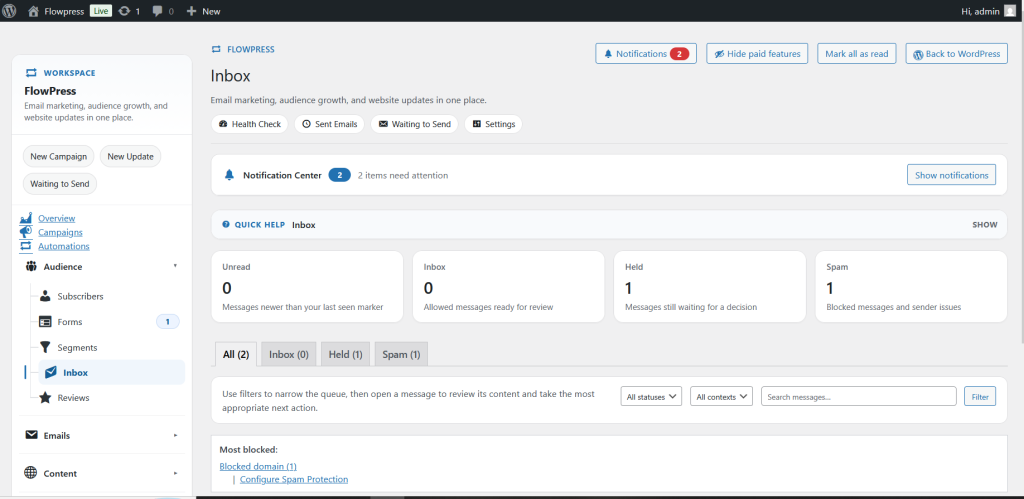
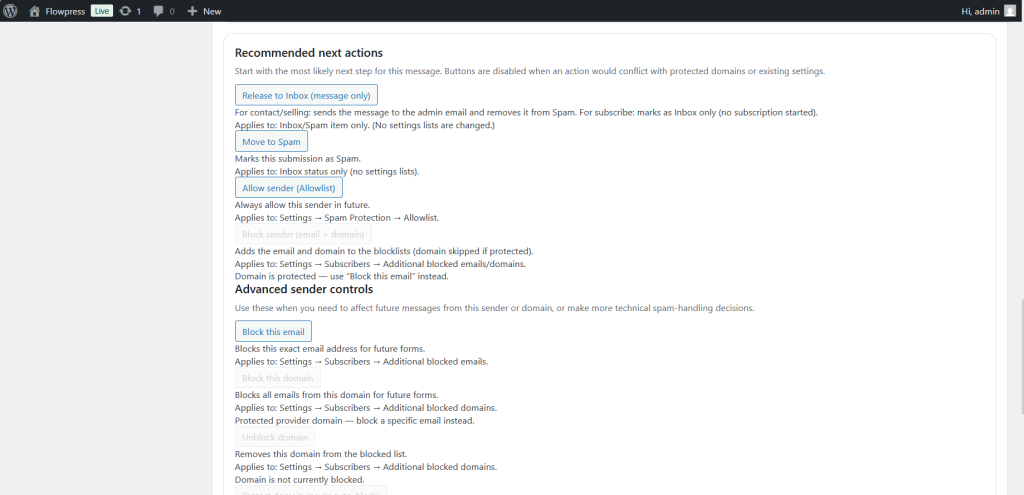
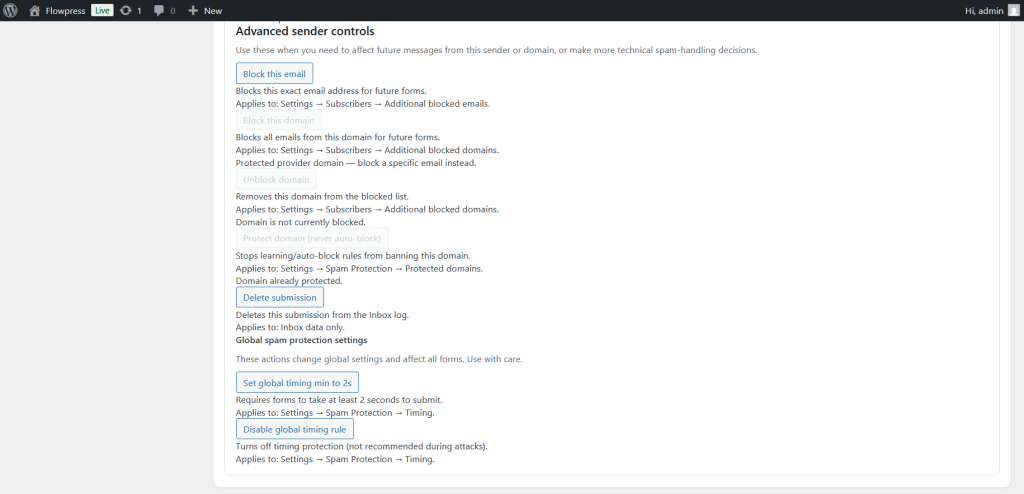
The Inbox area helps you review subscriber-related messages, events or records linked to FlowPress activity.
What this is for
Use the inbox when checking communication history, subscriber events or messages that need attention.
How to use it
- Open the Inbox screen from the FlowPress menu.
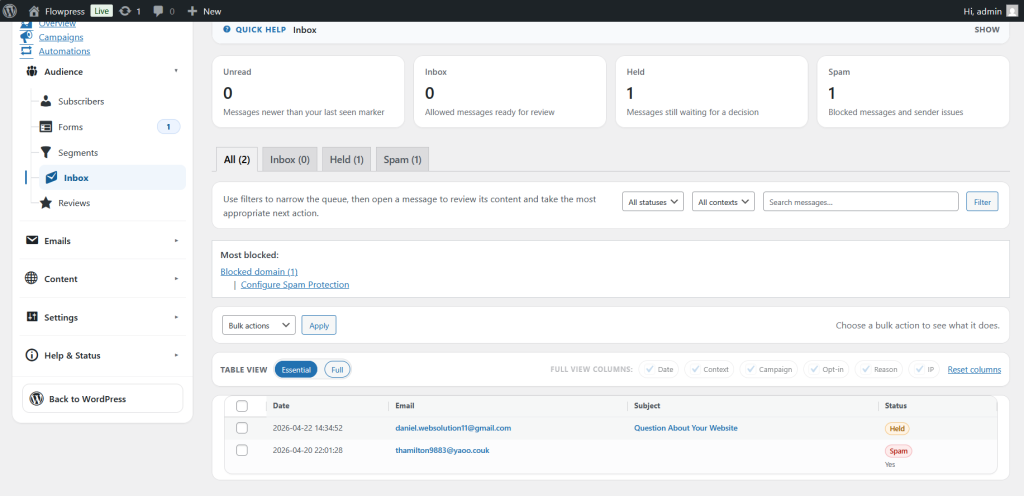
- Use the list view to identify the record you want to inspect.
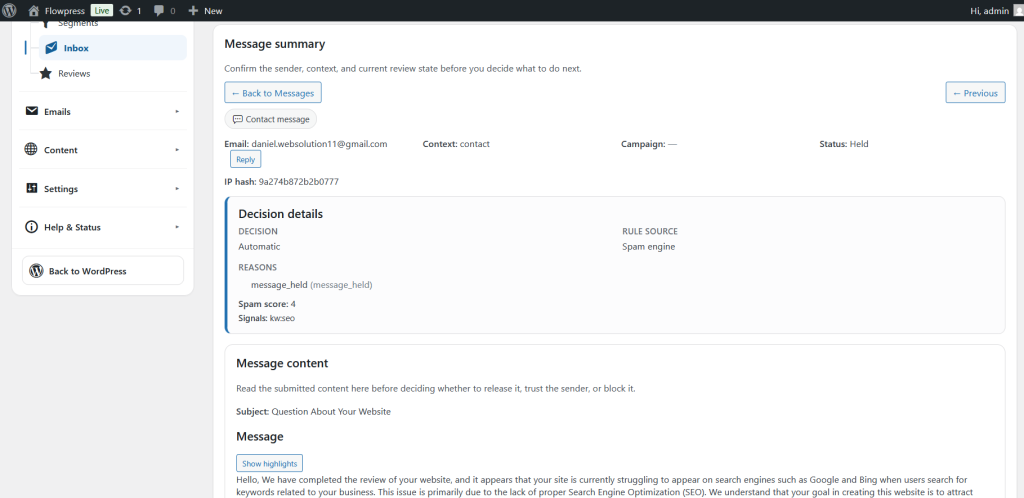
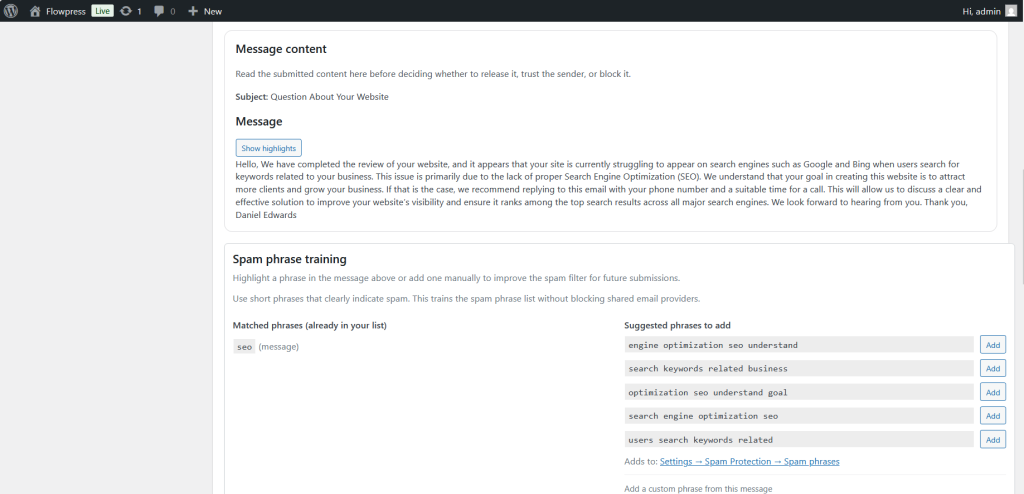
- Open an item to review the full details.
- Check status messages and any linked subscriber information.
- Use the information to troubleshoot delivery, engagement or customer support questions.
Useful tips
- The inbox is useful when tracing what happened for a specific subscriber.
- Use search or filters before scrolling through a long list.
- Keep support notes factual and based on the activity shown.
Screenshots
Notes
- The exact inbox content depends on enabled modules, email activity and subscriber history.