Documentation article
Publishing
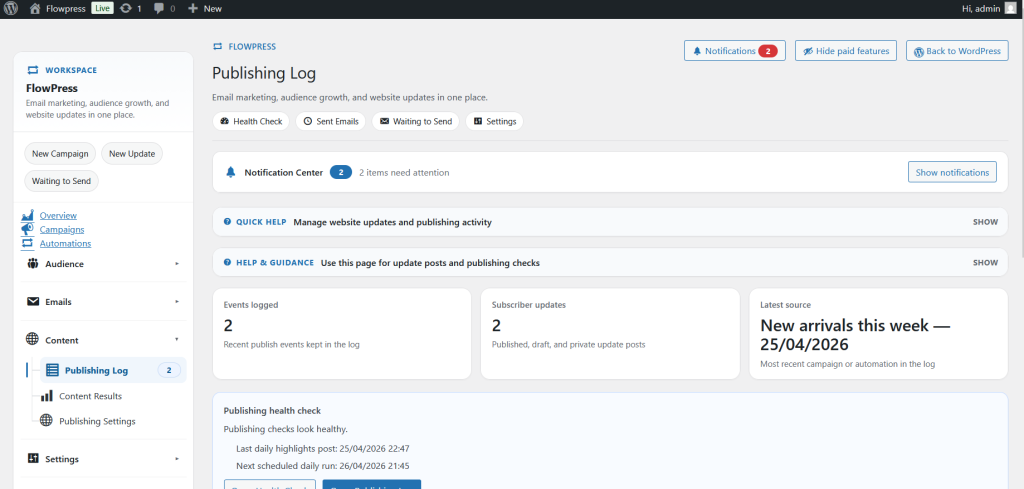
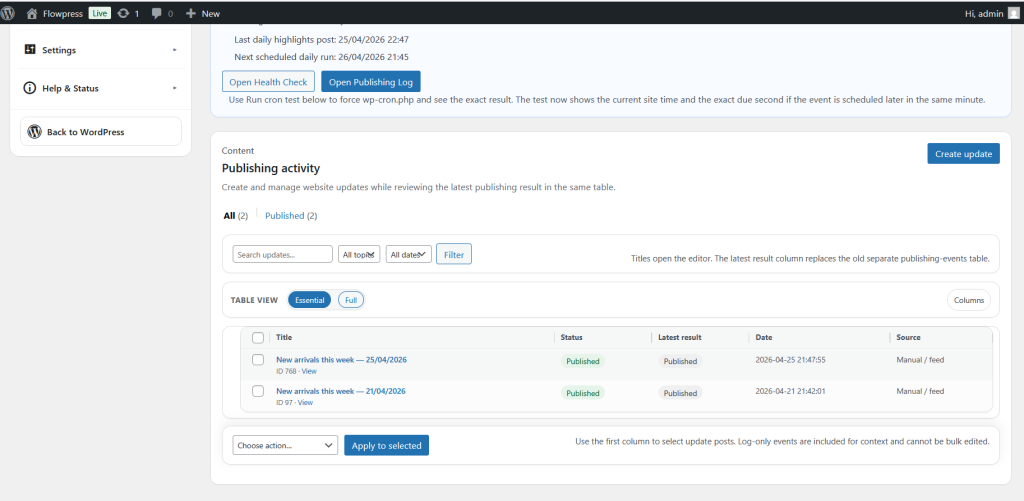
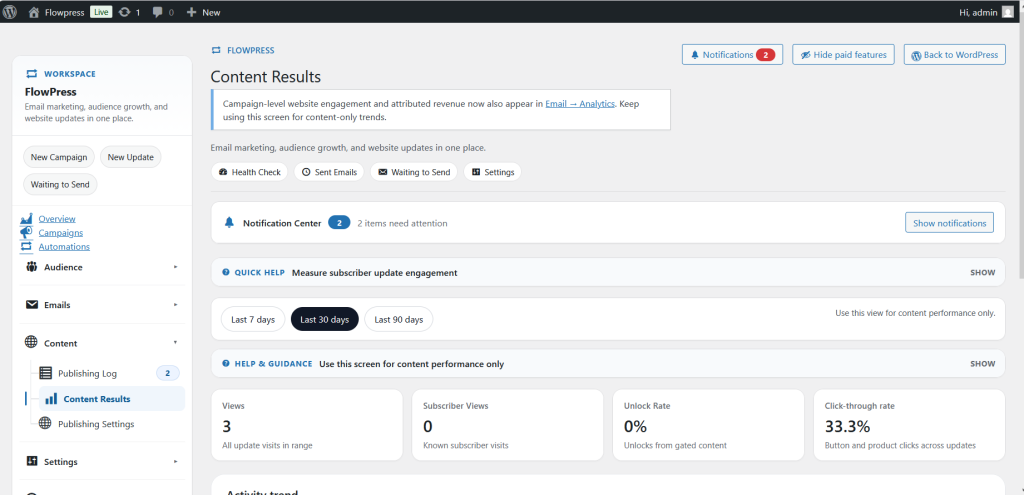
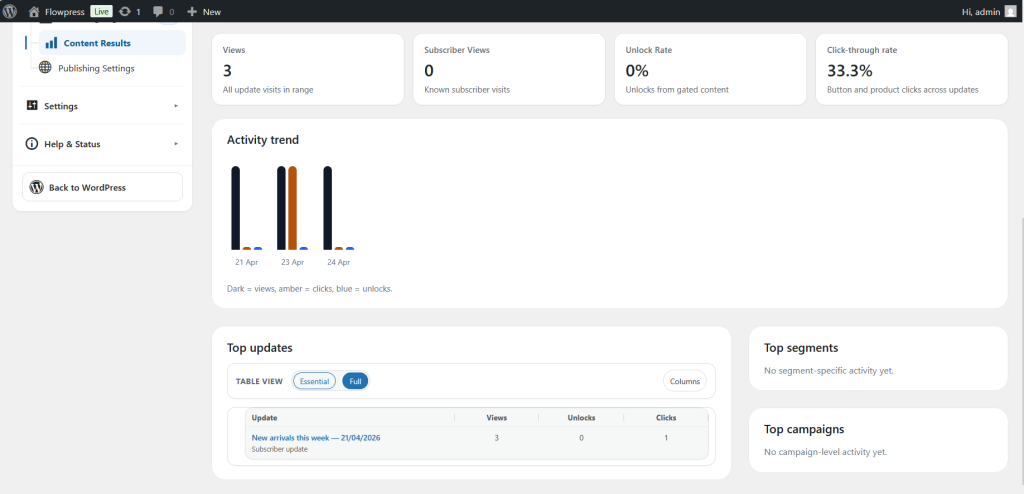
Publishing controls how FlowPress content or campaigns move from draft to live status.
What this is for
Use Publishing when you are ready to make a campaign, message or content item available to its intended audience.
How to use it
- Review the item you want to publish.
- Check required fields, products, audience and email content.
- Use preview or test actions before making it live.
- Choose whether to publish immediately or schedule for later if scheduling is available.
- Confirm the status after publishing.
Useful tips
- Do one final review before publishing customer-facing content.
- Check time zones when scheduling.
- Keep draft items unpublished until test emails and previews have been approved.
Screenshots
Notes
- Publishing should be treated as the final approval stage.