Documentation article
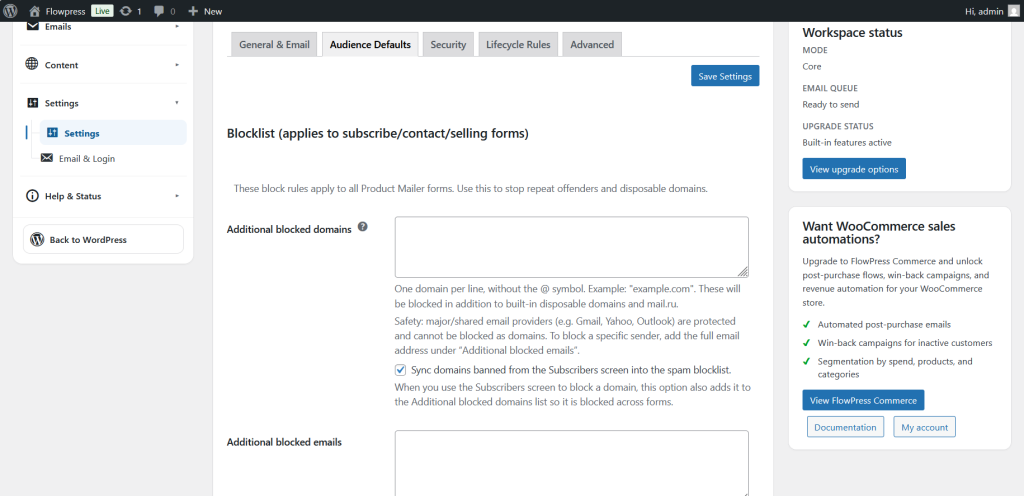
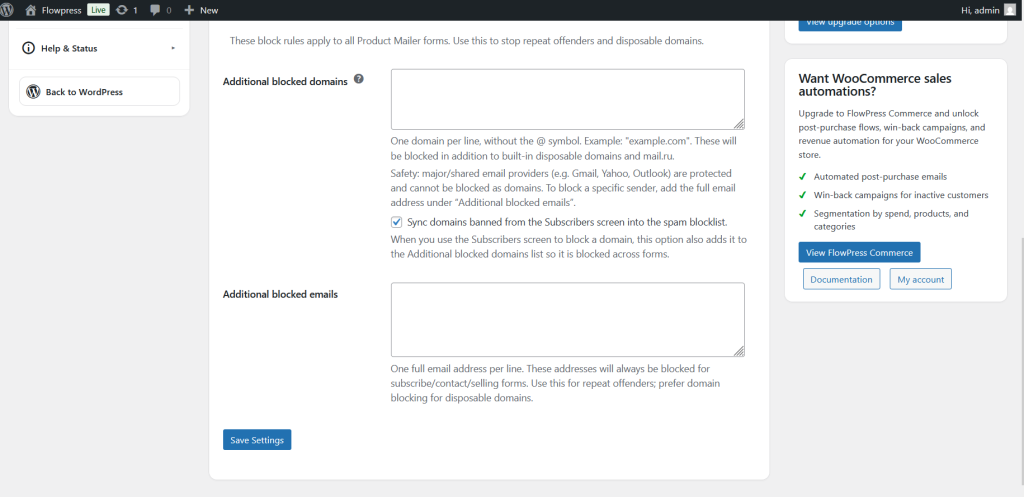
Audience Defaults
Audience defaults control the standard subscriber and audience behaviour used by FlowPress.
What this is for
Use Audience Defaults to set sensible starting options for subscribers, campaigns, forms and targeting.
How to use it
- Open FlowPress → Settings → Audience Defaults.
- Review default subscriber status and audience options.
- Update the settings to match how your mailing list should operate.
- Save changes.
- Test a new form signup or subscriber action to confirm the result.
Useful tips
- Audience defaults should match your consent and mailing list process.
- Check these settings before launching a new signup form.
- Do not use broad defaults if campaigns require careful targeting.
Screenshots
Notes
- These settings can affect how new subscribers are added and targeted.