Documentation article
SEO Basics for the FlowPress Site
How to make the product website more search-friendly.
Use this guide to keep the FlowPress documentation clear for readers and search engines.
What this is for
Well-structured documentation pages help users find answers quickly and allow search engines to understand the purpose of each page.
How to use it
- Write one clear title that matches the task the customer is trying to complete.
- Start every article with a short explanation of what the screen or feature does.
- Use headings such as What this is for, How to use it, Useful tips and Notes.
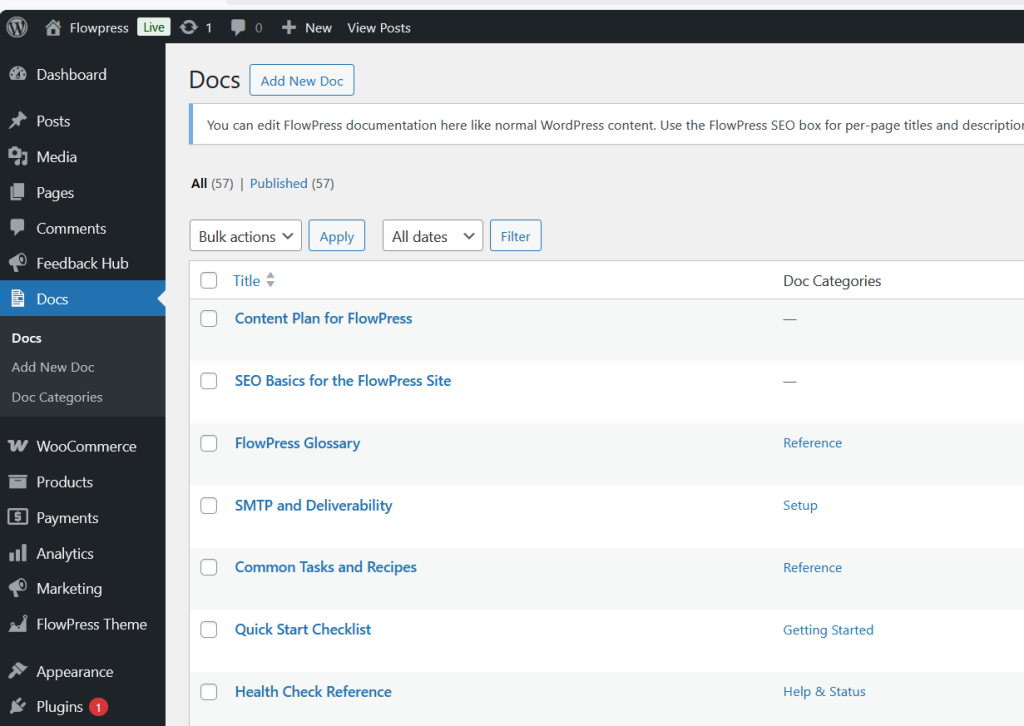
- Add screenshots with captions that describe what the user is seeing.
- Link to related docs when the next step is in another FlowPress area.
Useful tips
- Use plain language and avoid unnecessary technical wording.
- Answer one main question per page.
- Update screenshots when the interface changes.
Screenshots
Notes
- The FlowPress SEO box shown in the Docs editor can be used for page titles and meta descriptions.