Documentation article
Email and Login Settings
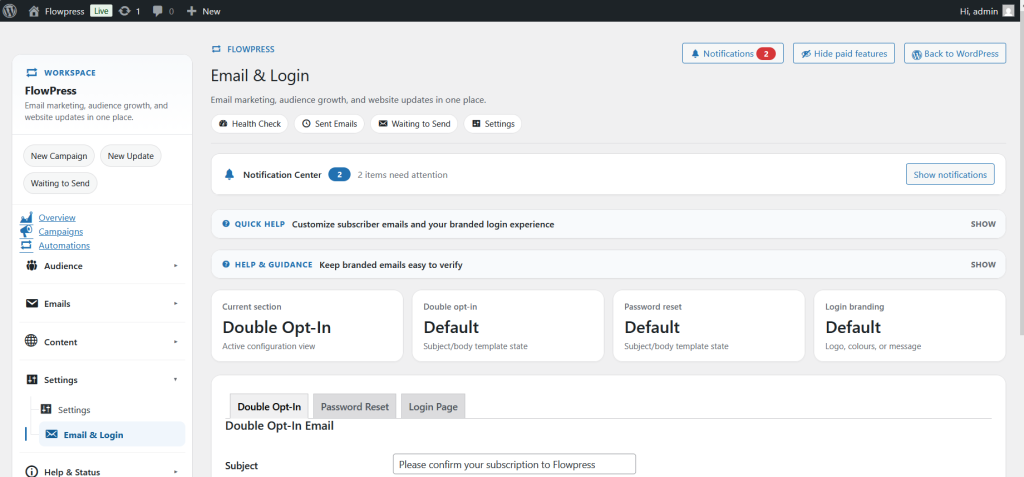
Email and Login settings control account-related email behaviour and login-related options used by FlowPress.
What this is for
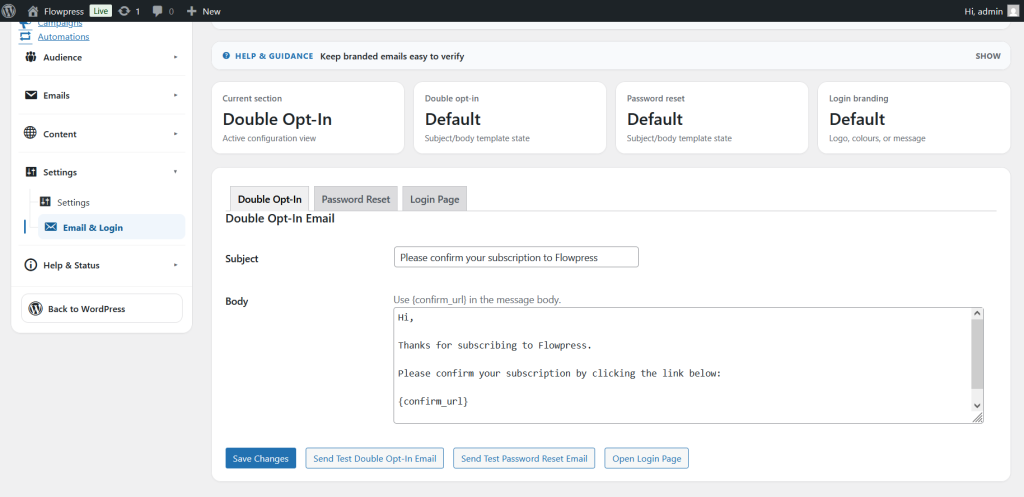
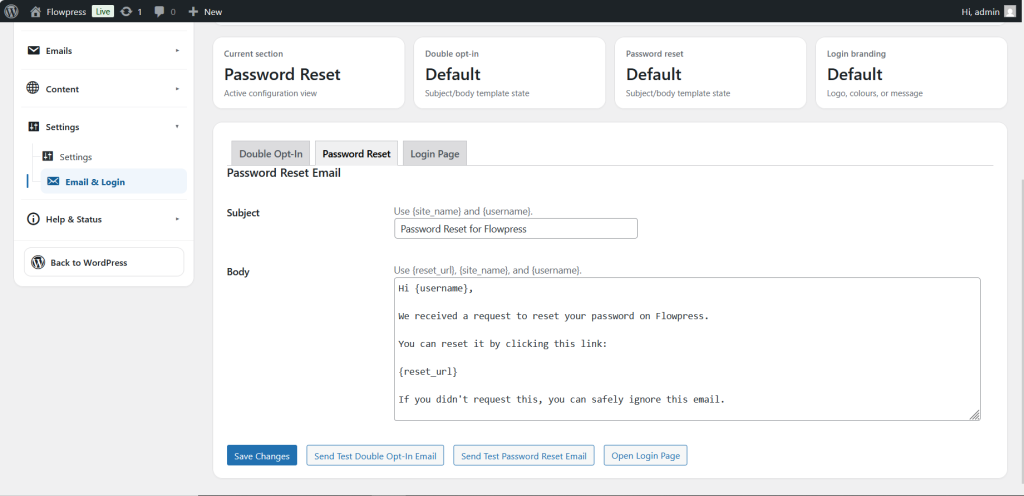
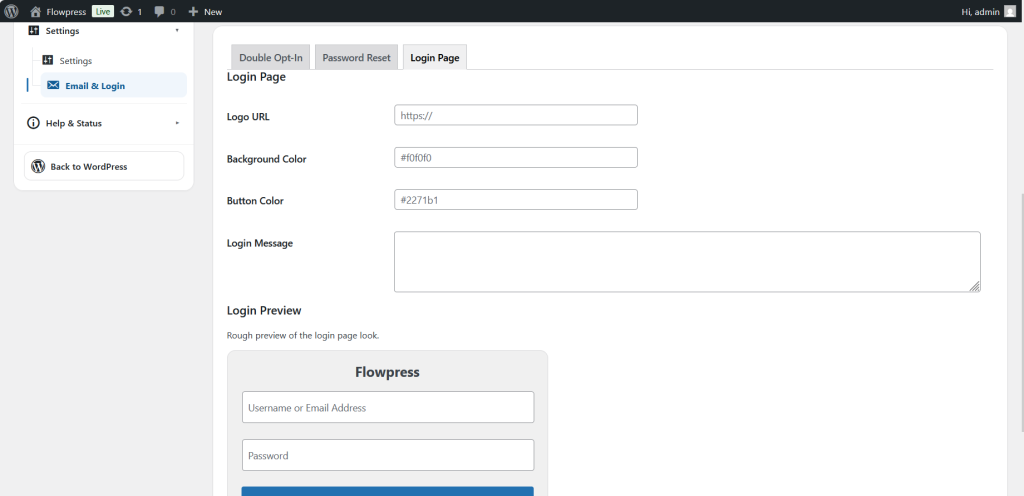
Use this page when configuring login emails, account messages, authentication-related settings or admin email behaviour.
How to use it
- Open the Email & Login settings area.
- Review each section and confirm the defaults are correct for your site.
- Update sender, message or login-related options where required.
- Save changes.
- Test the relevant email or login workflow before relying on it for customers.
Useful tips
- Use consistent sender details across campaign and login-related emails.
- Test with a non-admin account where possible.
- If messages do not arrive, check SMTP and Deliverability.
Screenshots
Notes
- Login-related email behaviour may also depend on WordPress and WooCommerce account settings.