Documentation article
Email Settings
Email settings control the default sender details and other email options used by FlowPress.
What this is for
Use these settings to make sure customer-facing emails use the correct name, address and delivery configuration.
How to use it
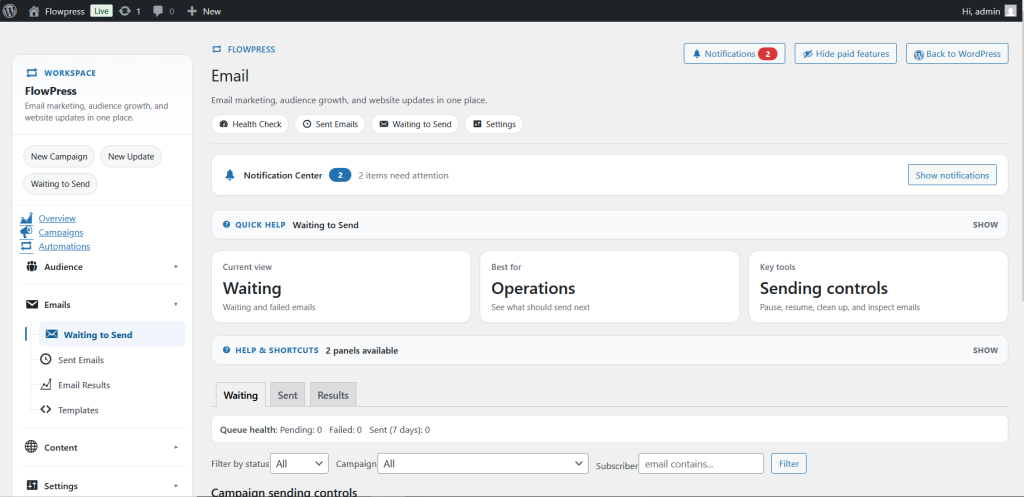
- Open FlowPress → Email.
- Check the sender name and sender email address.
- Review reply-to details and default email options.
- Save changes before creating or testing campaigns.
- Send a test email to confirm the message arrives correctly.
Useful tips
- Use a sender address on your own domain for better trust and deliverability.
- Keep the sender name recognisable to customers.
- If emails are not arriving, check SMTP and Deliverability next.
Screenshots
Notes
- Email settings should be reviewed before the first live campaign is sent.