Documentation article
Managing Subscribers
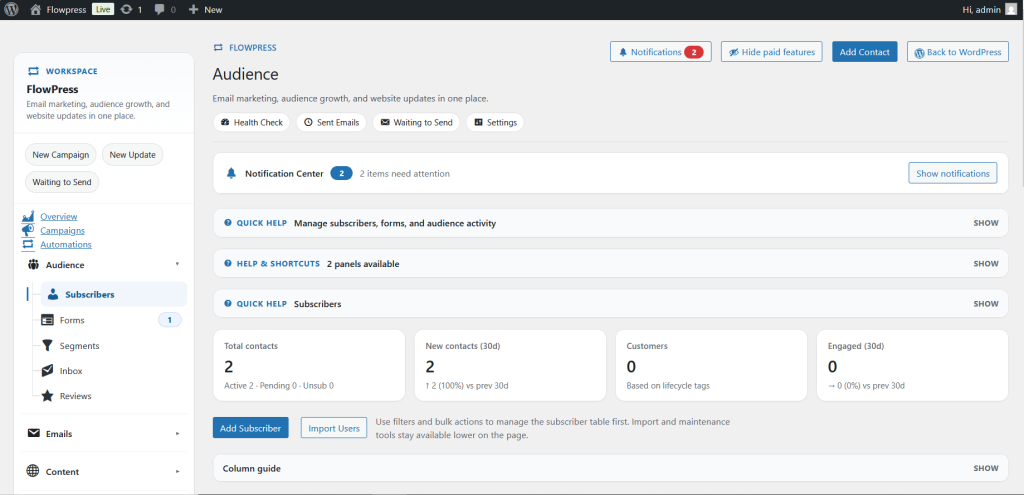
The Subscribers area shows the people who can receive FlowPress emails.
What this is for
Use this screen to review subscriber status, check customer details, manage consent and keep the mailing list organised.
How to use it
- Open FlowPress → Subscribers.
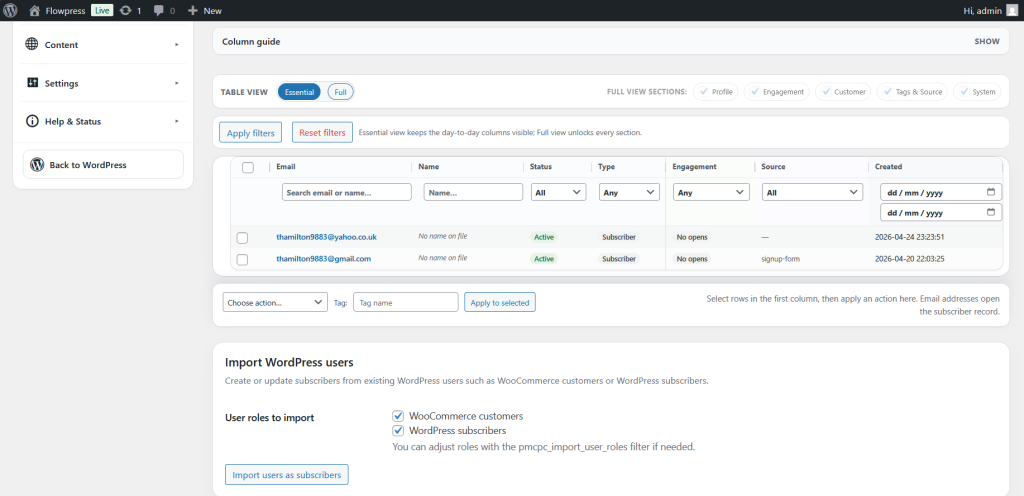
- Use filters or search to find a subscriber.
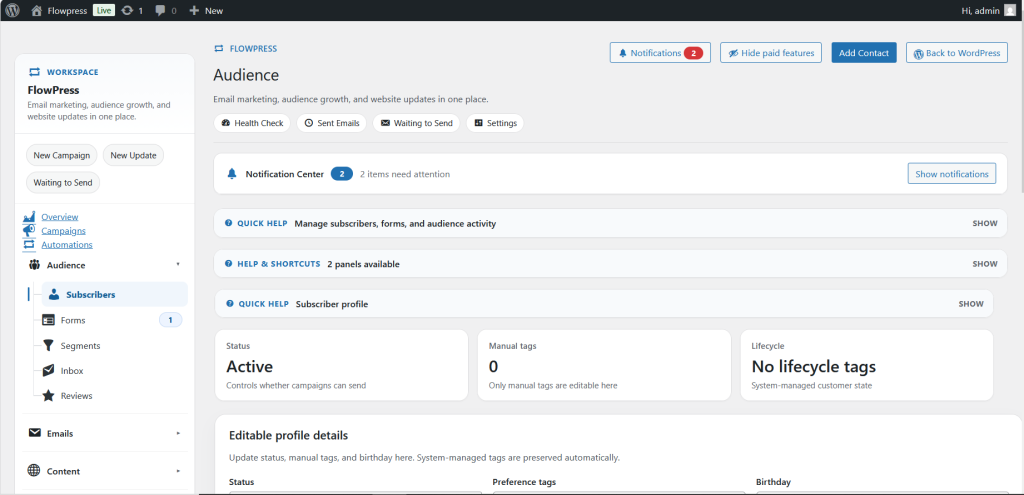
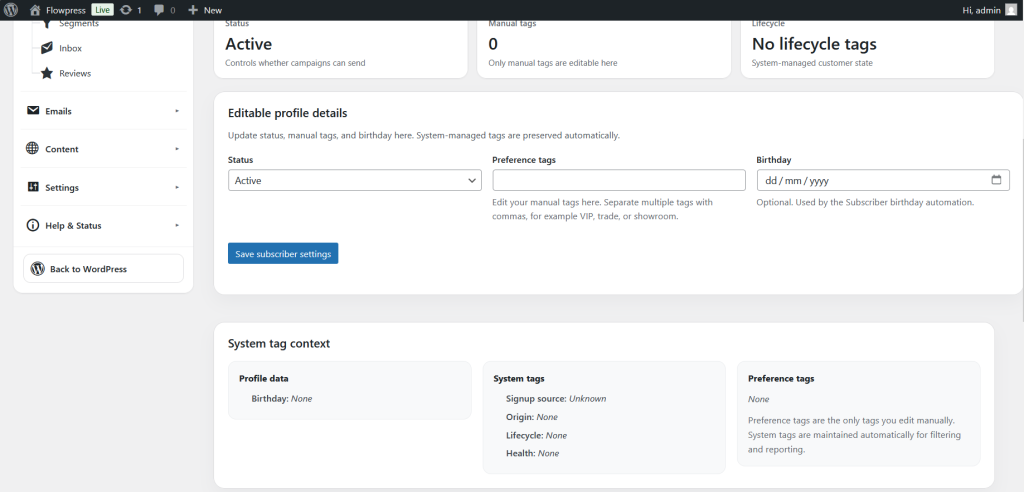
- Open a subscriber record to review their details and email status.
- Check whether the subscriber is active, unsubscribed, pending or suppressed.
- Update details carefully and save changes.
- Use subscriber data with segments when targeting campaigns.
Useful tips
- Do not manually reactivate a subscriber unless you are certain they should receive emails.
- Keep subscriber records clean to improve targeting and deliverability.
- Use segments rather than repeatedly editing individual subscribers.
Screenshots
Notes
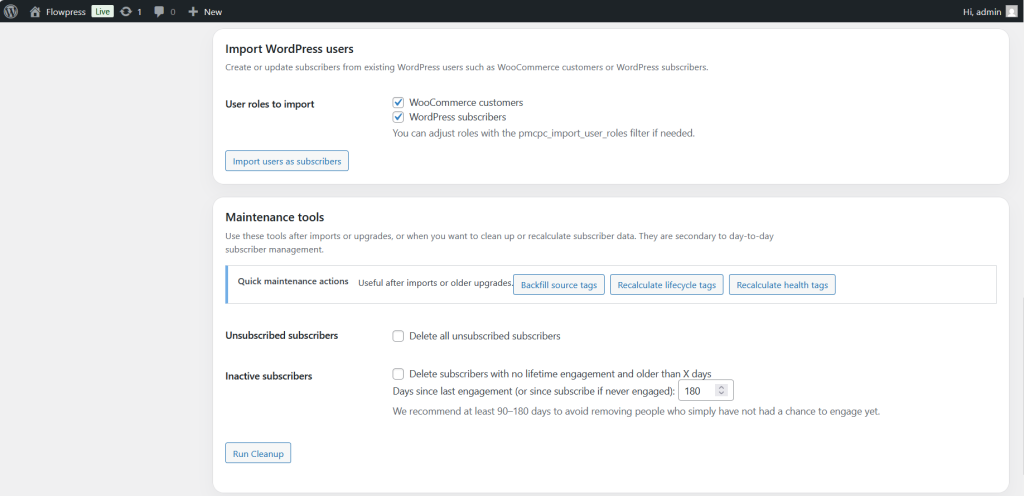
- Subscriber data may be created by signup forms, WooCommerce activity, imports or manual admin actions.